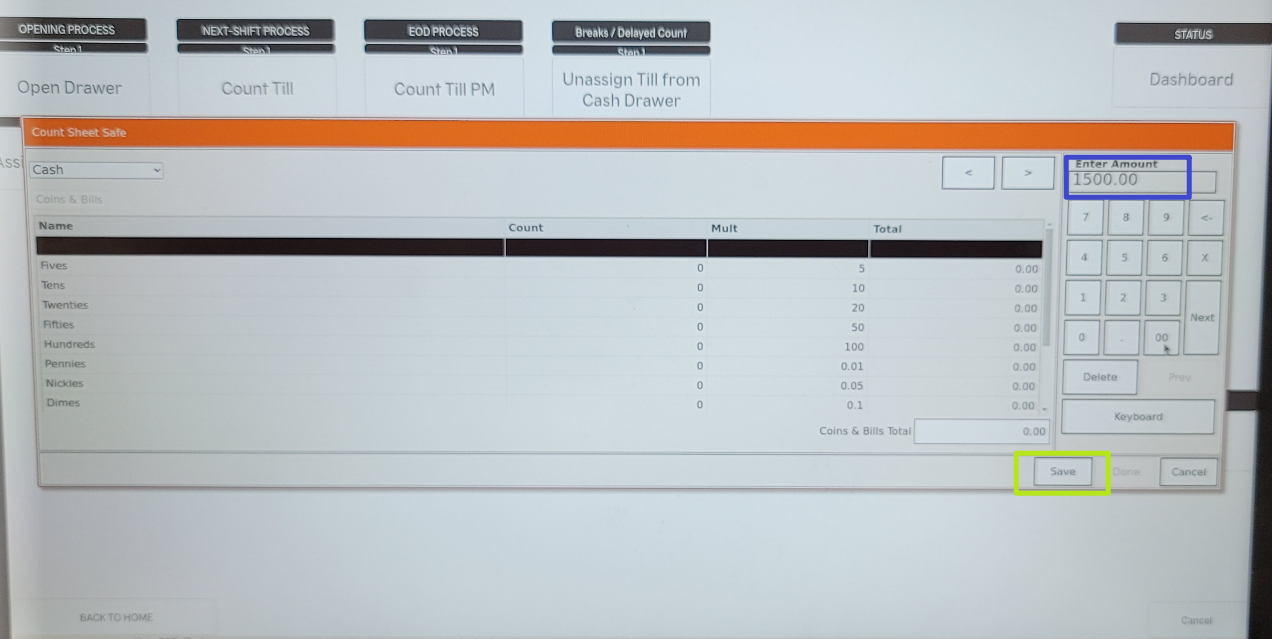
Set Safe Amount in Oracle POS

Jun 24, 2026
 6
6
Note: This needs to be set only once.
- Select Functions

- Go to Till Functions

- Click on the invisible button to open the safe located above the Default Level.
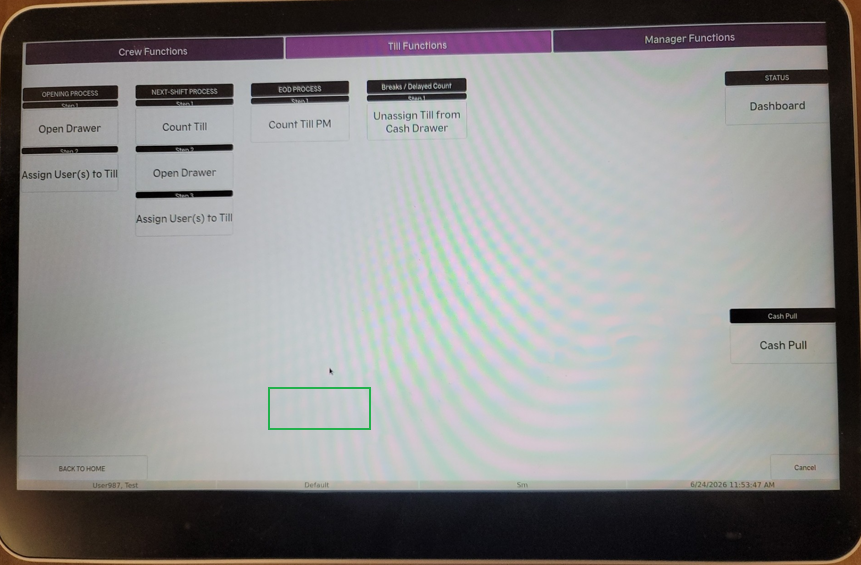
- Once you click the invisible button, a pop up will ask "OPEN SAFE"?, select YES.
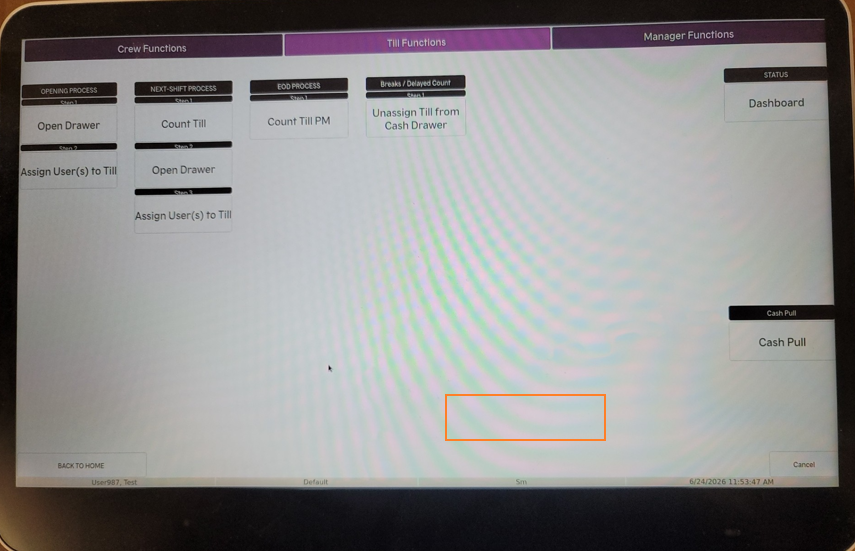
- Click on the invisible button to set the safe amount above the SM Level.
- Enter the Safe Amount, and select save.